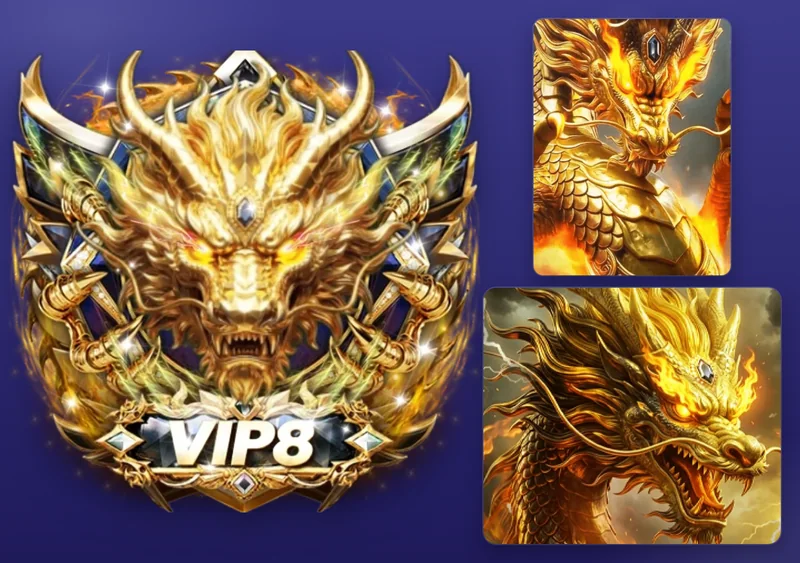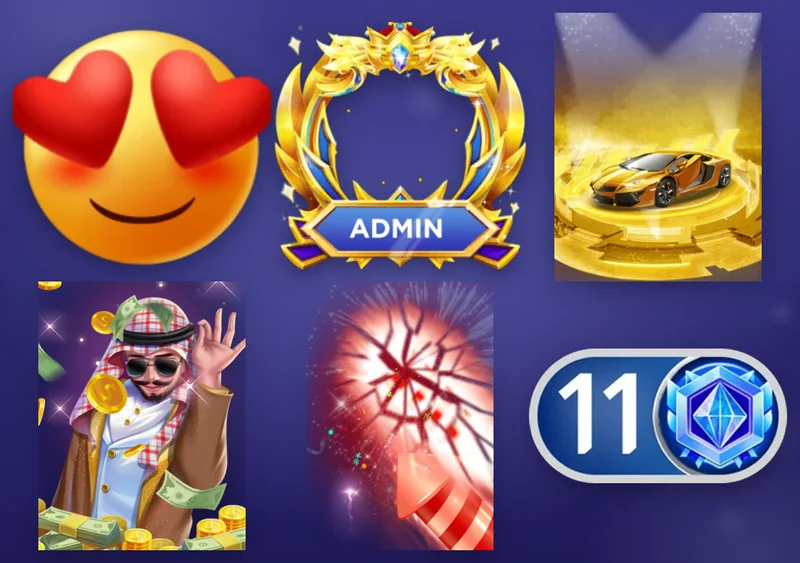
Open any voice chat or live-streaming app and count the animations: a frame around every avatar, an effect when someone enters the room, a gift panel full of moving gifts, badges beside names, a rocket that takes over the screen, a banner when two users link up as a couple. A single app easily needs a few hundred files — and they only look right when the ones that belong together were drawn together.
That is what a pack is: a set of files made as one family, for one feature of an app.
What kinds of packs are there?
The packs on this site are sorted the way an app is built, feature by feature:
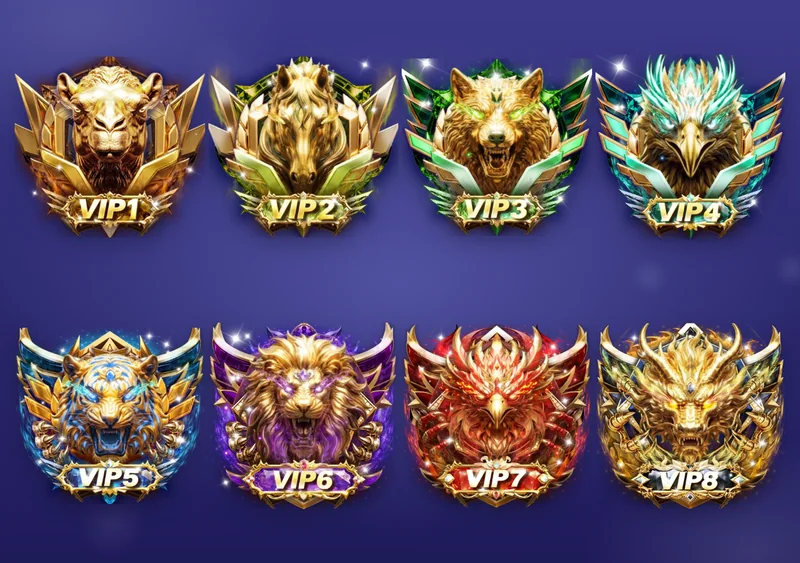
VIP & SVIP sets — one VIP level per set: avatar frame, entry effect, badge or medal, name tag, chat bubble, profile card and banner. Full packs hold whole series, from level 1 to the top.
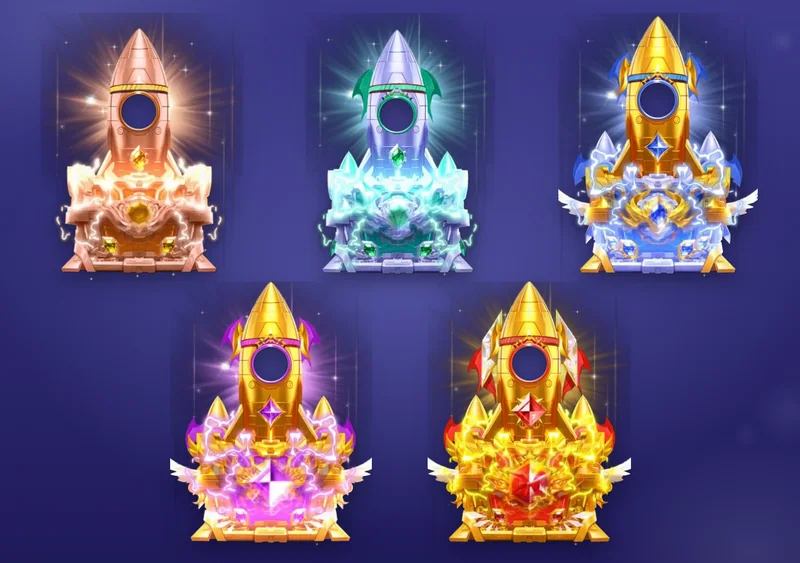
Rockets — rocket gifts level by level: the gift in the panel, the lucky moment and the full-screen launch.
Gift themes — themed rows for a gift panel: rides, roses, sweets, castles, money and fortune.
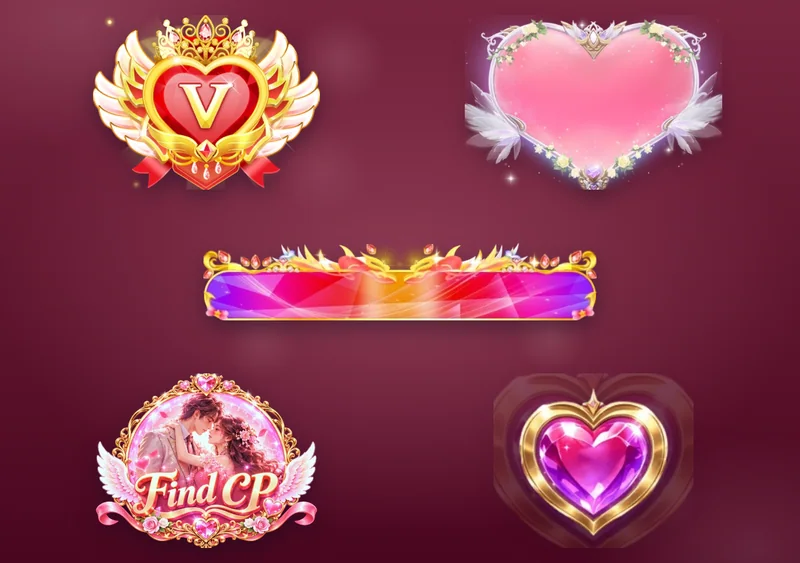
CP & couple — pieces for two linked users: couple frames, rings, CP levels and relationship banners.
Frames, roles & IDs — avatar frames in many styles, role frames and badges, special IDs.
Levels & ranks — rich and charm levels, room levels, game tiers and ladders.
PK battles — VS openers, countdowns, fight effects and win, lose and draw screens.
Lucky & treasure — lucky bags, treasure boxes and countdown chests.
Which format do I need?
Most files are SVGA 2.x, the format SVGAPlayer plays on Android, iOS, Flutter and the web. Very large full-screen effects are often VAP — an MP4 video with an alpha channel, for the VAP player — because video stays sharp and small at that size. Some packs add PAG files for libpag, and PNG stills for icons, badges and level numbers. Every pack page lists the format, canvas size and length of each file.
Where should a new app start?
Start with the features users see in their first minute: avatar frames, entry effects, a full gift panel and level badges. The App Starter Pack was put together for exactly that — 368 files across gifts, entries, frames, role tags, rich and charm levels, emoji and palace backgrounds.
After that, add the features that keep users coming back: a VIP programme, rockets for big moments, a CP feature and PK battles.
One set or the full pack?
Most series come both ways. A single set is right when you need one level, or want to try a style first. The full pack holds every level of a series in one order, so the climb from the first level to the last looks planned rather than collected from different places.
Look before you buy
Every file in every pack plays on its pack page — tap a file to watch it. When you pay, the whole pack downloads as one ZIP with the real files, and it stays in your account so you can download it again later.