A pack arrives as one ZIP, with each pack in its own folder. This guide walks through what to do next: checking the files, choosing the right player for each format, and putting the pieces where your app shows them.
1. Unzip and check
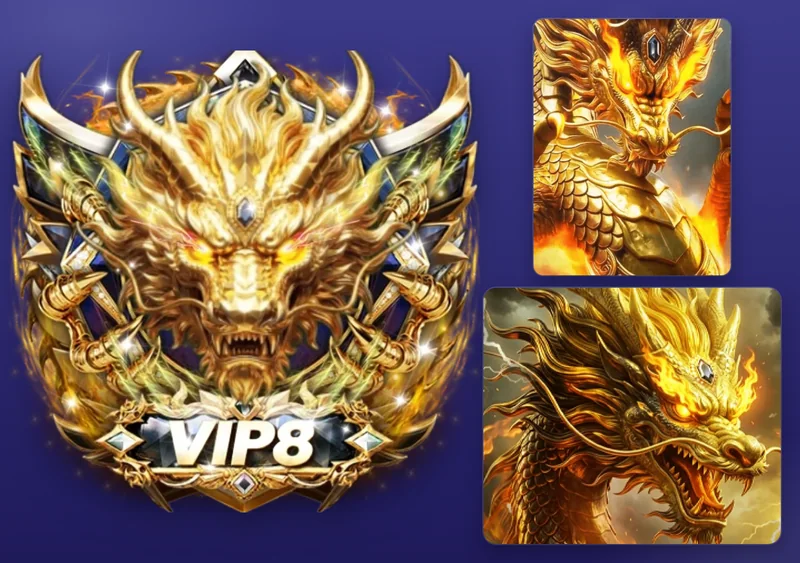
Every file is named after what it is, so it is easy to match a file to the place it belongs — vip_8_dragon_avatar_frame.svga is the avatar frame of VIP Set 8, vip_8_dragon_entry_banner.svga the banner that plays when a VIP 8 user joins a room. Before you write any code, open a few files to see them move. You can play SVGA, VAP and PAG files in the browser with the free SVGA & PAG viewer on our sister site, SVGA Store.
2. Pick the player for each format
SVGA files are SVGA 2.x. They play in SVGAPlayer, which has libraries for Android, iOS, Flutter and the web. Most frames, badges, entries and gifts are SVGA.
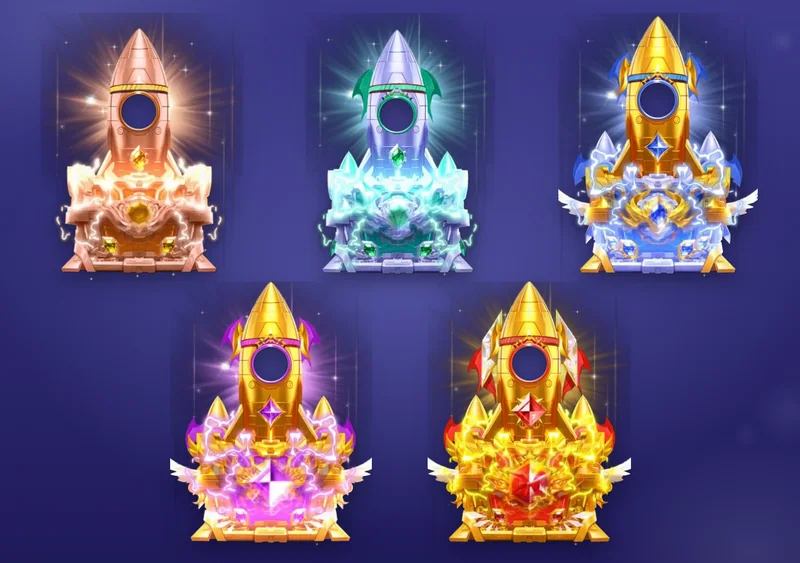
VAP files are MP4 videos with an alpha channel. They need the VAP player, which has Android, iOS and web versions. They suit big full-screen effects such as rocket launches, because video stays sharp and small at full-screen size.
PAG files play with libpag.
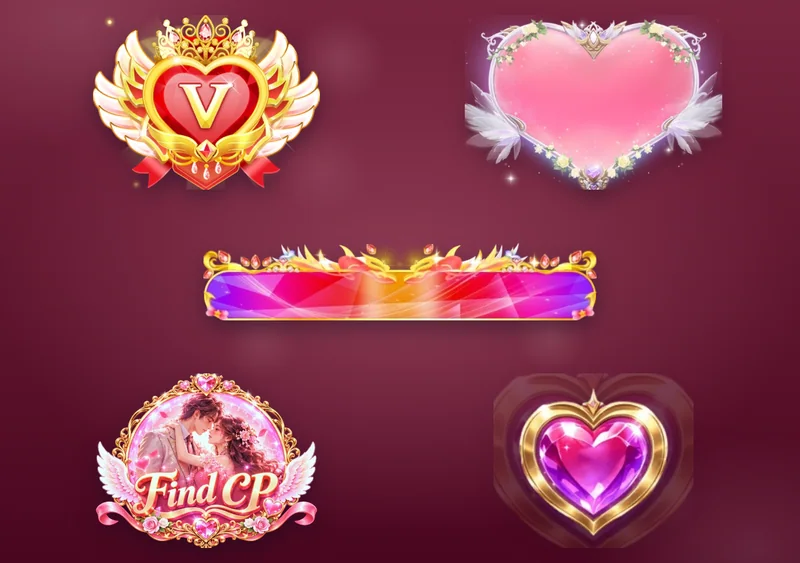
PNG files are transparent stills: icons, level numbers, badges where nothing should move, and the still versions of animated pieces.
3. Avatar frames
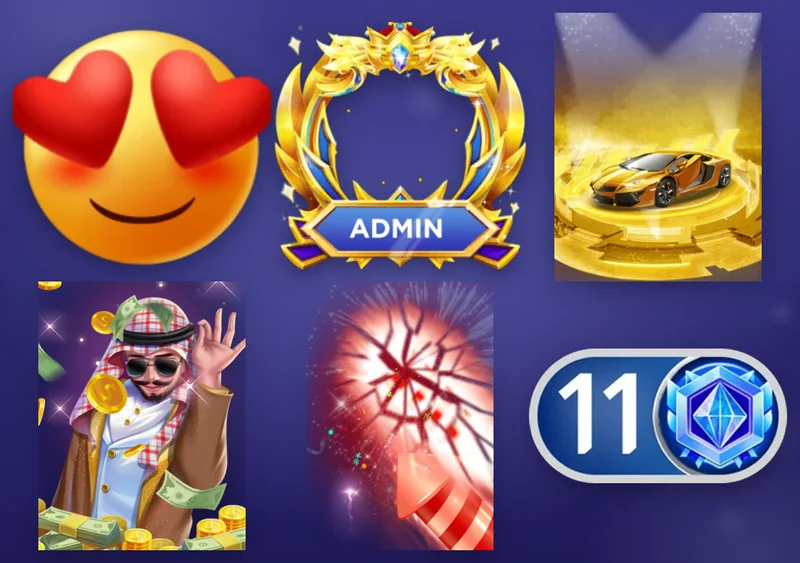
Frames are drawn around a round avatar with the centre left open. Draw the user's picture first, then play the frame on top, centred, at the size shown on the pack page; scale both together so the picture stays inside the ring.
4. Entry effects and banners
Entries play once when a user joins a room. Full-screen entry effects go on a layer above the room; entry banners usually slide across the top. Many SVGA files have text or avatar slots — fill them with the user's name and picture before playing.
5. Gifts
Gifts play over the room when they are sent. Small gifts can play near the sender's seat; large ones take the whole screen. Several gift packs include files with their own sound — the pack page marks every file that has sound, and the sound is inside the file.
6. Levels and badges
Level ladders come as one file per level, named in order — Rich Level 0 to Rich Level 100, for example — so you can pick the file by the user's level number.
Licence
Once an order is paid, you may use its files in apps you own or build for your clients, for any number of users. You may not resell or share the files themselves. The full terms are on the terms of sale page.