A CP (couple) feature lets two users link their profiles, and from then on the app shows them as a pair: matching frames, a shared level, a banner when they enter a room together. Everything in it comes in twos, so the pieces have to be drawn as pairs from the start.
What a CP feature needs
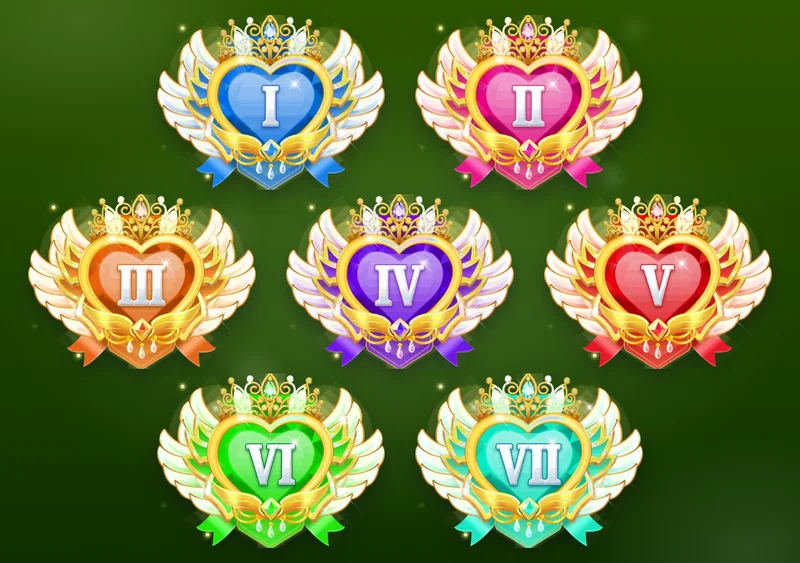
CP levels — a couple grows from the first level to the top; each level has its own frame, medal, mic ring and chat bubble.
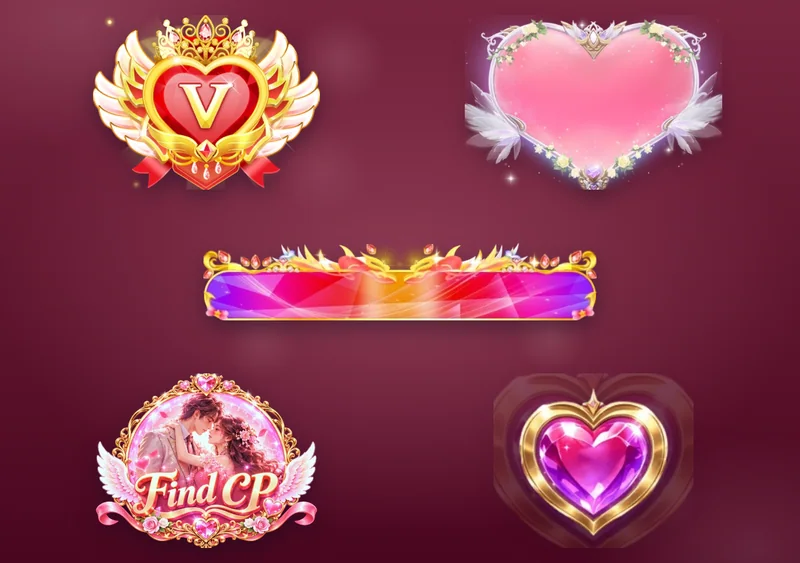
Couple moments — ring frames, winged hearts and toasts for the pair.
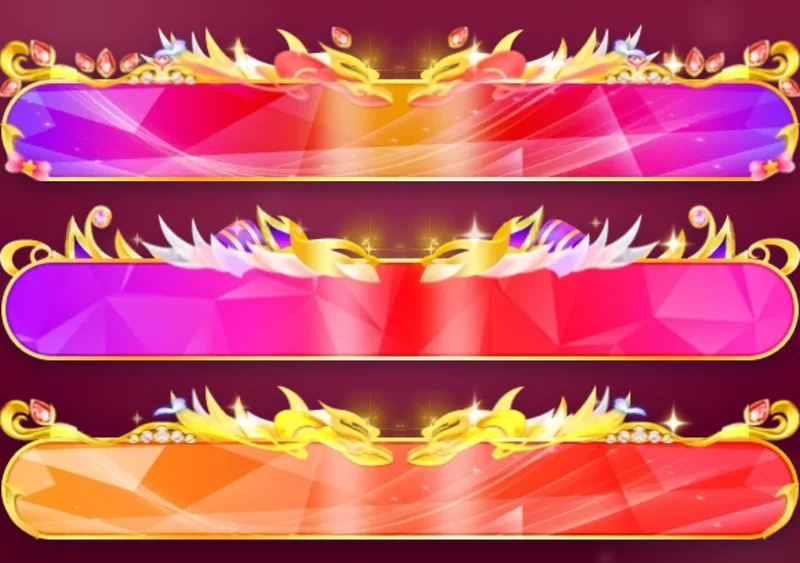
Relationship banners — broadcast bars that tell the room about a couple, a bestie or a brother link.
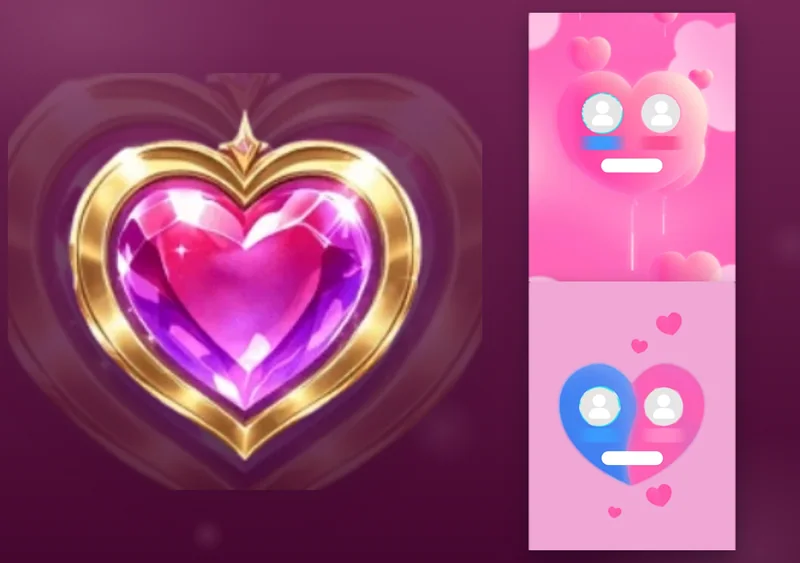
A match screen — the moment two users are matched, with backgrounds and pop-up cards.
Screen assets — the backgrounds, frames and badges of the CP page itself.
The packs
The CP & Couple Full Pack brings five packs together — CP levels, couple moments, bestie banners, CP screen assets and the heartbeat match — 187 files in one order. The CP Level Sets Full Pack holds all seven CP level sets with the CP Extras Pack: 156 files.
Each piece is also sold on its own:
Heartbeat Match CP Pack — CP match backgrounds and pop-up cards, a heart gem, twin hearts, a CP stage and a rose broadcast bar (12 files).
Bestie, Brother & CP Banners — three sets of seven relationship broadcast bars (21 files).
Couple Moments Pack — ring frames, winged hearts and toasts for paired users (21 files).
Formats
The animated pieces are SVGA 2.x for SVGAPlayer on Android, iOS, Flutter and the web, with PAG files in some packs and PNG stills for the CP page. See every CP pack on the CP & couple packs page — each file plays there before you buy.