Seasonal gifts work because they are only around for a short time. When a Christmas row appears in the gift panel, users send them to each other while they can — and a room full of snow globes and sleighs feels like an event.
What is in the Christmas pack?
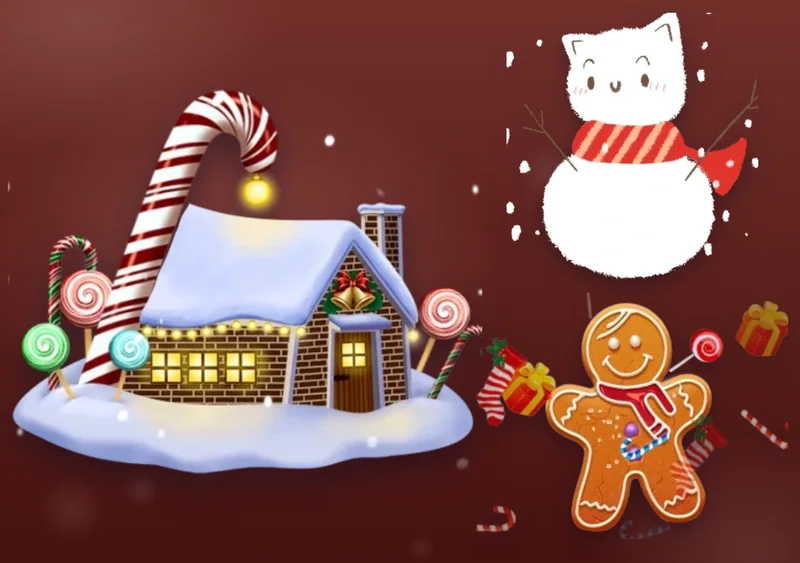
The Christmas Pack holds ten SVGA gifts drawn as one winter family:
Santa's gift sleigh and a Christmas gift girl;
a Christmas snow globe and a snow message bottle;
a Christmas tree at night and a fairy-tale castle at night;
a little snowman and a girl in a Christmas hat;
a gingerbread house and a gingerbread man.
They are SVGA 2.x files for SVGAPlayer on Android, iOS, Flutter and the web, and each one plays on the pack page before you buy.
When to add a festival pack
Add it a few weeks before the date. That leaves time to put the gifts into your app, test them and ship an update, so the row is there on the first day of the season rather than halfway through it. The same goes for other festivals: the festival & event packs page collects them as each season comes round.
Filling out a winter row
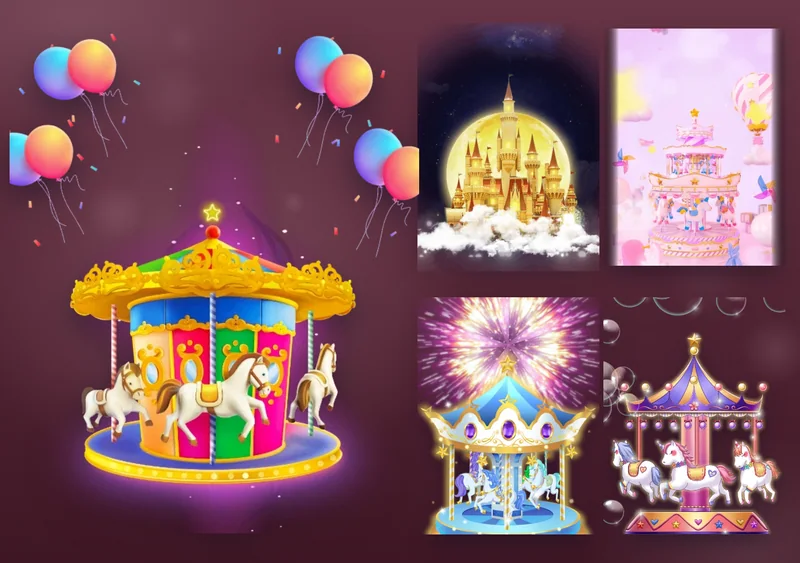
Ten gifts make a good seasonal row on their own. If you want a longer one, packs with a soft, sweet look sit well beside them — cakes, macarons and milk tea from the Sweet Treats Pack, or the fairy-tale castles and carousels pack.

After paying, each pack downloads as one ZIP and stays in your account, so the files are ready again next December.